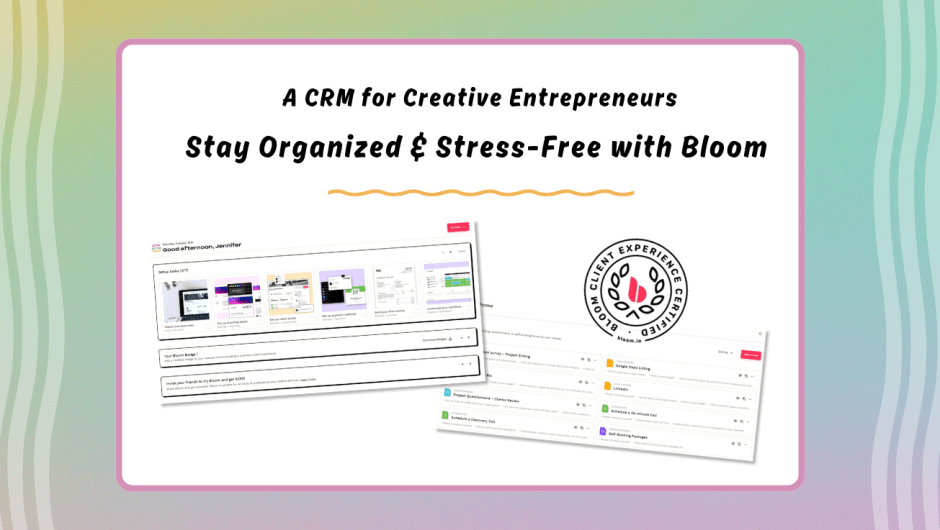
A CRM for Creative Entrepreneurs

Running a creative business – whether you’re a freelancer, content creator, digital service provider, or small business owners – can feel like juggling 20 tasks at once. From client inquires and contract approvals to invoices and project timelines… it’s a lot to keep track of and when things fall through the cracks, it can lead to stress, delays, and missed opportunities.

That’s exactly why having the right CRM (Client Relationship Management) system is such a game changer!

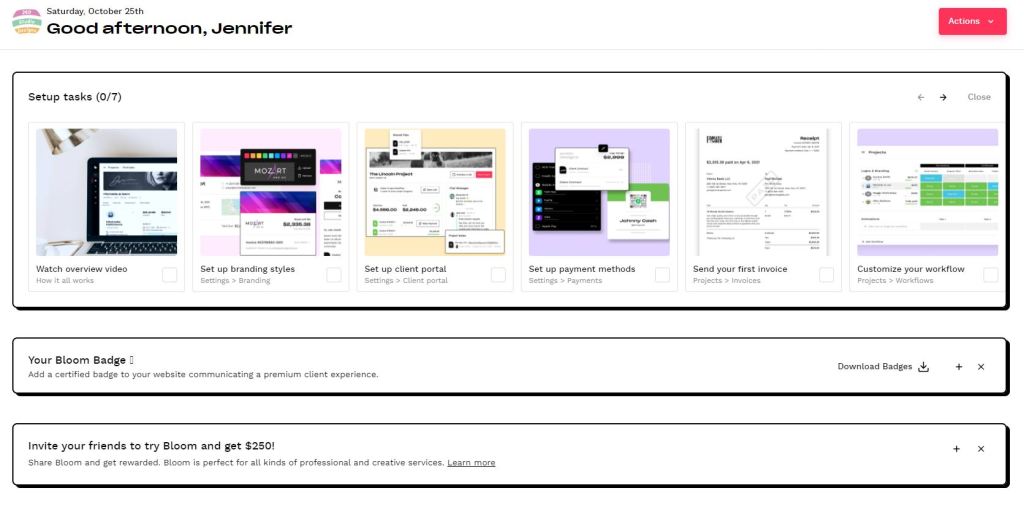
Over the past year, I’ve been using Bloom, and it has genuinely helped me stay organized within all of the chaos. Keeping communication clear, and giving my client’s a more professional, seamless experience. So today, I wanted to share a bit more about it – just in case you’re also searching got a tool that simplifies your workflow and supports your creative business growth.


Why Bloom Works So Well for Creative Service Providers

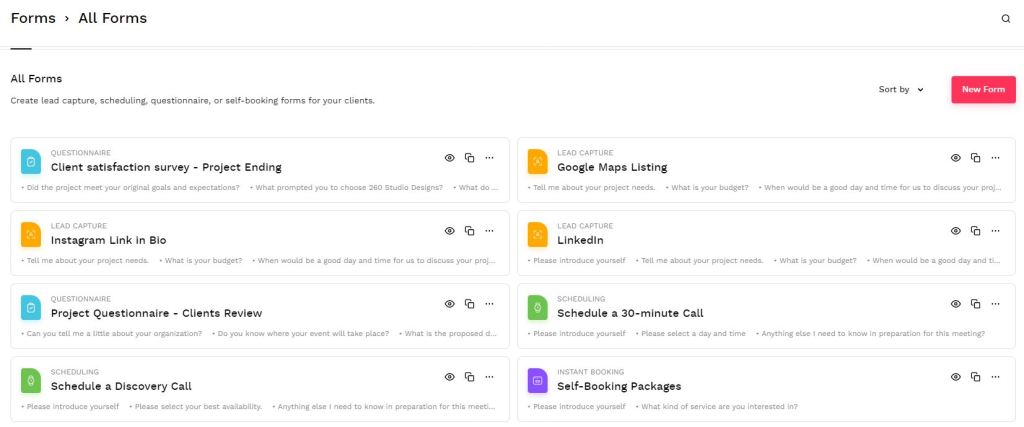
Bloom includes everything you need to manage your clients from inquiry, books, completed. No Extra apps, subscriptions, or sticky notes requires. Even though I do love myself a good sticky note reminder list. I mean they are quick colorful and pretty to have around.

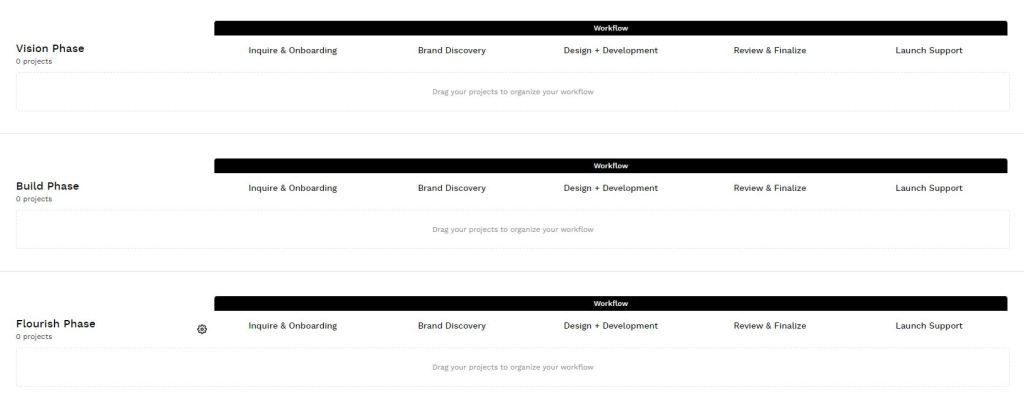
Track every step of your project so you never wonder what’s next.

A clean, user-friendly hub where clients can find files, forms, and messages all in one place.

Send polished invoices, automate reminders, and get paid faster.

Easily send and sign important documents without the hassle.

Keep communication organized and out of your DMs.

Whether you’re editing videos. offering social media management, designing branding packages, or building websites – Bloom keeps your client experience smooth and professional.


Designed for Work-From-Anywhere Entrepreneurs

As someone working in the digital media space, I love that Bloom offers both a desktop platform and a mobile app. That means I can respond to client messages, update invoices, or check project status even when I’m away from my desk.


Why I Recommend Giving Bloom a Try

I’m always careful about the tools I suggest to fellow creative – but this one has earned a permanent place in my workflow. If you want a CRM that supports your creativity instead of slowing you down. Bloom is absolutely worth exploring.

You can check it out using my referral link:

By signing up through the link, you’ll be supporting my small business while leveling up yours — and I truly appreciate it.


Final Thoughts

Your creativity is valuable. Your time is valuable. And your clients deserve a seamless experience. With Bloom, you’ll feel more organized, more confident, and better equipped to grow your business.

If you have questions about how I use Bloom in my creative service workflow, feel free to reach out – I’m always happy to help!

Creative Resources You’ll Love Using

Are you looking for free, high-quality visuals to make your business stand out online? You’re in the right place! I’ve put together a free resource library filled with stock images and videos made just for small business owners, content creators, and entrepreneurs who want to take their digital media to the next level — without breaking the bank.

If you’re like most small business owners or creators, you probably spend way to much time searching for the right images and videos to make your content look great. I totally get it — finding quality visuals that fit your brand can be tricky and expensive.

When you subscribe to my email newsletter, you’ll get instant access to my Free Resource Library — a growing collection of stock images and videos that you can use for your own business, social media, or creative projects.

It’s my way of saying “thanks” for joining this community of creative minds and go-getters. Inside the library, you find handpicked visuals that help your brand stand out and save you time while keeping your content fresh.

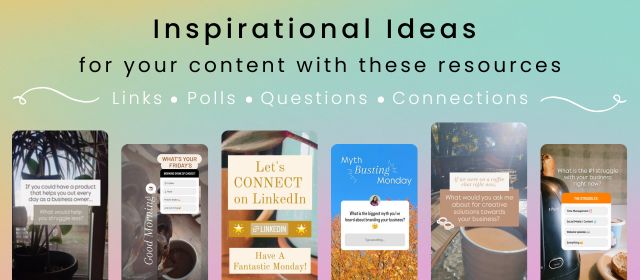
Helpful tips and tools to level up your digital media
Updates when new resources are added
Inspiration to keep your creativity flowing

So if your ready to make your content look professional without the overwhelm.

I’d love for you to join me!

Can’t wait to see what you create!

Dubby Energy Sponsorship

Hello, and welcome back to the blog section of 260 Studio Designs.

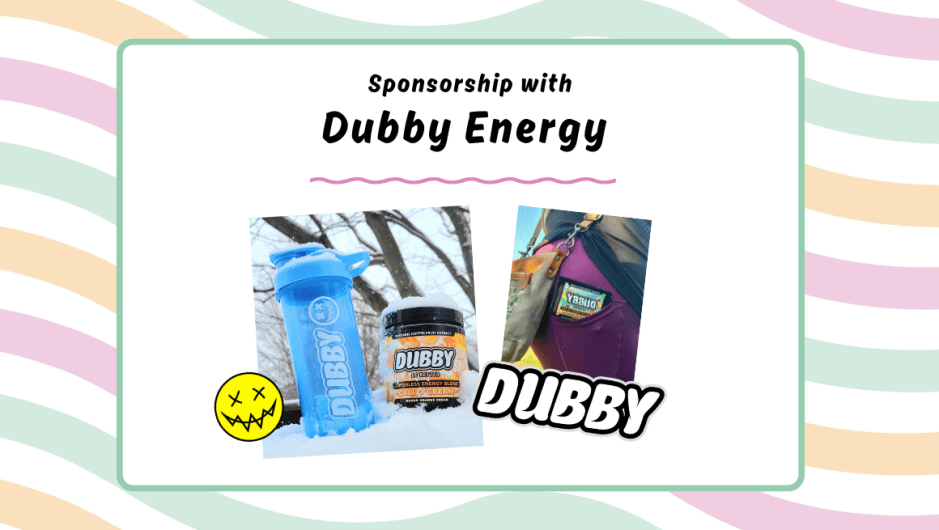
I wanted to share with you that I had the recent opportunity to do a sponsorship with Dubby Energy! Are you are looking for energy that will last and work wonderfully? Well these are your guys! They continue to update their flavors and customized tumblers for a wide assortment of options for their customers and audience.


Check them out here with my 10% off code as well!

10% Off Code: 260StudioDesigns


Local Flag Competition

Hello, and welcome to the 260 Studio Designs Blog!

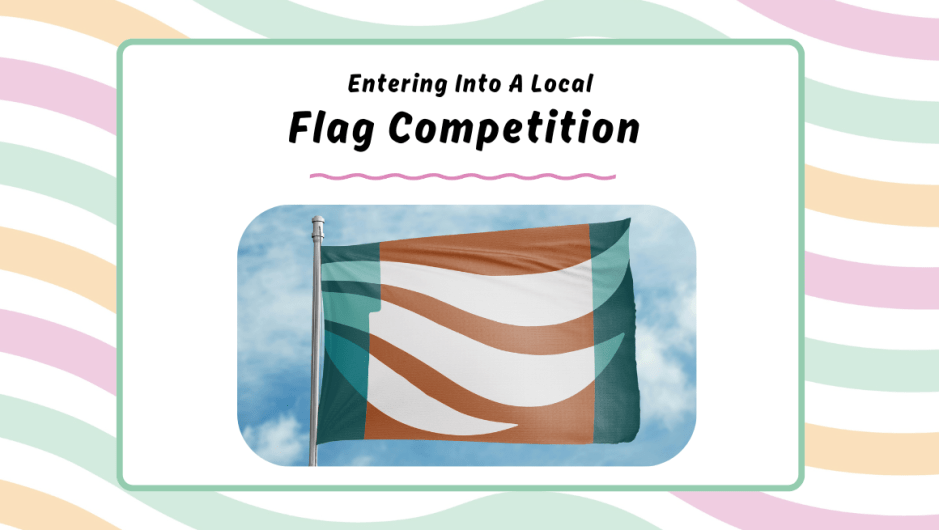
I wanted to share what I have been up to over the last few months here at the studio. I entered into a local design competition within my area. The competition was focused towards creating a new county flag!

So I decided to check it out, and heck why not! Nothing wrong with trying to create something you never have before and give it a try. So I did.

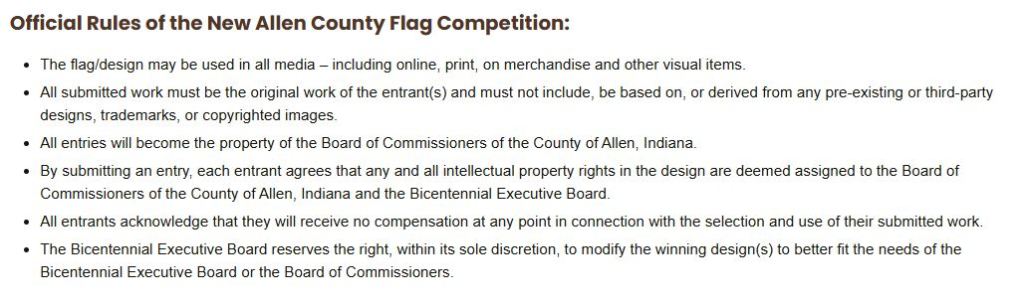
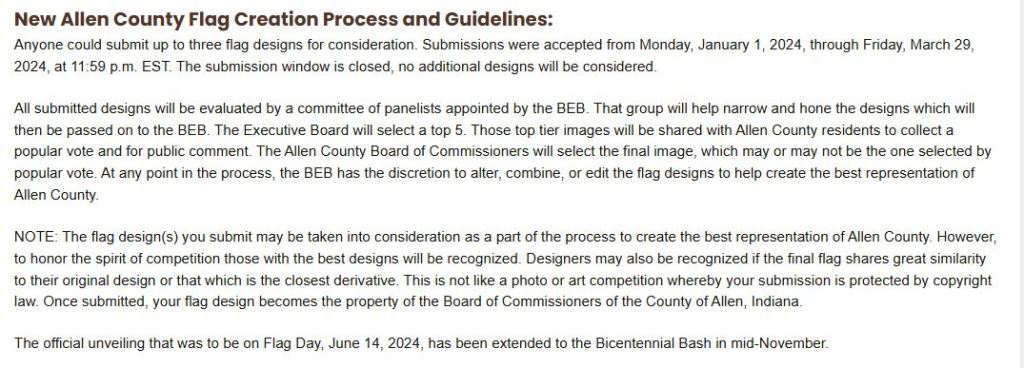
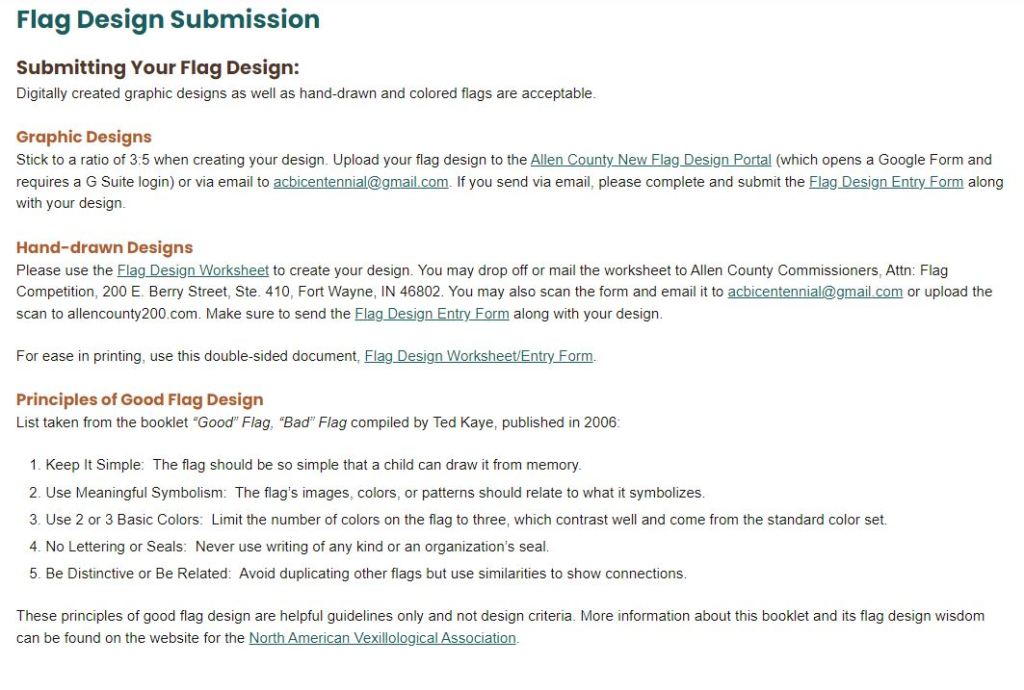
Before showing you what I created I wanted to give a little information towards the guidelines, rules, and general information towards the design concept they were looking for. If you have ever entered into a competition you will completely understand.


These are screen captures of the guidelines, rules and information given to participants.


After looking over all of this information I started getting to work. I implemented a few local key features towards my flag design. I incorporated the county silhouette to focus on them as a whole, the three main rivers that flow through the inner city, and elements such as logo marks and color pallets from their government issued logo for the county. Also, in the guidelines they stated that they wanted the flag to be easily remembered so that a child could easy interpret it. This is what I summitted towards the flag competition.


My Competition Submission


Thank you for stopping by and reading my story! I really do appreciate it. If you have ever entered into a competition let me know down in the comments below. I would love to hear others story and their submissions. That is the best thing about art, everyone is unique in their own way.

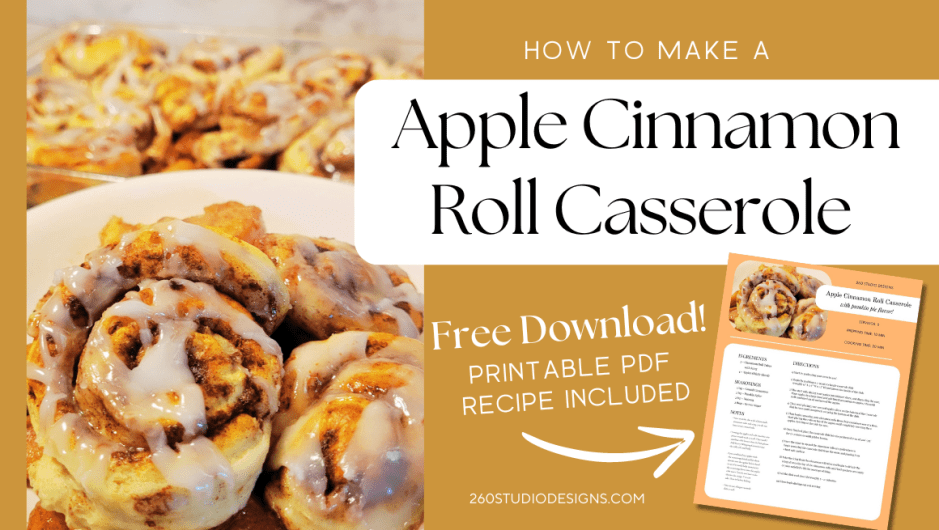
Apple Cinnamon Roll Casserole with Free Downloadable Recipe

Welcome back to the blog section of 260 Studio Designs, and this week I wanted to show off a recent recipe I made this past holiday weekend for my friends and family.

Since fall is right around the corner I thought it would be nice to get a head start on the delicious foods for the season.

I also have a PDF version for download at the bottom for download if you would like a copy for yourself. Remember, you can alter this recipe in any way you like for your friends and family.

If you like the recipe or have any comments be sure to leave them in the comments section below. You can also watch a short video of the process on Instagram with the link below, or you can save this recipe for later on Pinterest as well!


Apple Cinnamon Roll Casserole

Ingredients:

2 – Cinnamon Roll Tubes with Icing

4 – Apples (thinly sliced)

Seasonings:

2 tsp – Gound Cinammon

2 tsp – Pumkin Spice

2 tsp – Nutmeg

2 tbsp – Brown Sugar

DIRECTIons:

1) Start by preheating your oven to 400°.

2) Begin by grabbing a 2-quart rectangle casserole dish (roughly 11″ L x 7″ W x 1.5″ H) and grease the inside of the dish.

3) The start with slicing your apples into thinner slices, and discarding the core. Place apples in a large bowl and add listed seasonings to apples. Mix until well combined on all surfaces of the apples.

4) Then start placing your covered apples slices on the bottom of the casserole dish in rows until completely covering the bottom of the dish.

5) Then begin removing your cinnamon rolls from their containers one at a time. Start placing the rolls on top of the apples until completely covering the apples. Set icing to the side for now.

6) Once finished place the casserole dish into the preheated oven of 400°/375° for 17-20 minutes or until golden brown.

7) Once the timer is up and the cinnamon rolls are golden brown begin removing the casserole dish from the oven, and placing it on a heat safe surface.

8) Take the icing from the cinnamon roll tubes and begin to drizzle the icing all over the top of the cinnamon rolls until both packets are empty or your satisfied with the coverage of icing.

9) Let the dish cool down for roughly 5 – 10 minutes.

10) Then begin dishing out and serving.

Notes:

– You can make this with a homemade cinnamon rolls and icing, you do not have to use canned rolls

– Cutting the apples and rolls into bite size pieces would work as well. They would combine a bit better then the hole pieces.

– Add Heavy Whipping Cream to have the rolls soft and fluffy.

– I pre-combined my apples with the seasonings listed and let them absorb into the apples before hand to see if it would help incorporate the seasonings flavor into the apples a bit more. You do not have to do this for the recipe. You can add them in before baking.

– You can use a larger casserole dish as well.


Download PDF of Recipe Here!


Watch the Process on Instagram


Don’t Forget to Save on Pinterest for later!


10 Unconventional Ways to Create and Sell Digital Products as a Graphic Designer

Are you are an expert graphic designer that is looking into creating and reselling digital products that can easy, simple, and fast to create?

Well look no further! I have taken some time to deep dive into the product world and scrounged up a list to showcase a variety of products you can create for some extra side cash.

Here’s a list of 10 digital products that you as a graphic designer can easily create and resell, along with the descriptions of each product and their ideal clients.

1. Branding Kit Templates

   – Create customizable branding kits that include logos, color palettes, font pairings, and social media templates. These kits can be tailored to different industries or styles.

   – Ideal Client: Small business owners, bloggers, or startups looking to establish a cohesive brand identity quickly.

2. Social Media Post Templates

   – Design a set of social media post templates that can be edited in tools like Canva or Photoshop. These can be themed for specific platforms (e.g., Instagram, Pinterest) or industries (e.g., fashion, fitness).

   – Ideal Client: Social media managers, influencers, or entrepreneurs who need visually appealing posts without the hassle of designing from scratch.

3. E-book or Workbook Covers

   – Offer a range of professionally designed e-book or workbook covers that can be customized with the client’s title, author name, and imagery.

   – Ideal Client: Authors, coaches, or online course creators who want their digital products to stand out.

4. Presentation Templates

   – Develop sleek, modern presentation templates for platforms like PowerPoint or Keynote. These can include various slide designs, infographics, and icons.

   – Ideal Client: Business professionals, educators, or consultants who need to create impactful presentations quickly.

5. Business Card Templates

   – Create a collection of unique, editable business card templates. These can cater to different professions and design aesthetics, from minimalistic to bold.

   – Ideal Client: Freelancers, small business owners, or anyone attending networking events who needs an easy-to-customize business card.

6. Digital Planner Stickers

   – Design sets of digital stickers that can be used in apps like GoodNotes or Notability. These can include icons, motivational quotes, and decorative elements.

   – Ideal Client: Digital planner enthusiasts, students, or professionals who enjoy customizing their digital notes and planners.

7. Printable Wall Art

   – Offer high-resolution printable wall art designs that customers can download and print at home. These can range from inspirational quotes to abstract designs.

   – Ideal Client: Home decorators, office managers, or anyone looking to add a personal touch to their living or workspace.

8. Resume and Cover Letter Templates

   – Design professional resume and cover letter templates that job seekers can easily customize. These templates can be tailored for different industries or levels of experience.

   – Ideal Client: Job seekers, career coaches, or HR professionals who need visually appealing and structured resumes.

9. Icon Packs

   – Create cohesive icon packs that can be used in web design, apps, or social media. These can be themed around specific industries like tech, health, or education.

   – Ideal Client: Web developers, app designers, or content creators needing consistent and high-quality icons.

10. Instagram Story Highlight Covers

    – Design a set of Instagram Story highlight covers that users can customize to match their brand or aesthetic. These can include icons, patterns, or text-based designs.

    –  Ideal Client: Influencers, small business owners, or anyone looking to enhance the visual appeal of their Instagram profile.

Thank you for checking out todays blog post, and I hope to see you here again in the near future. Don’t forget to leave a comment below on what you would like to see on the next blog post. Until then I hope you have a great day!


Don’t Forget to Save on Pinterest for later!


Looking For Digital Products for Your Needs?

Head on over to our store and grab some


Creating A Automotive Marketing Campaign

Hello again, and welcome back to the blog section of 260 Studio Designs.

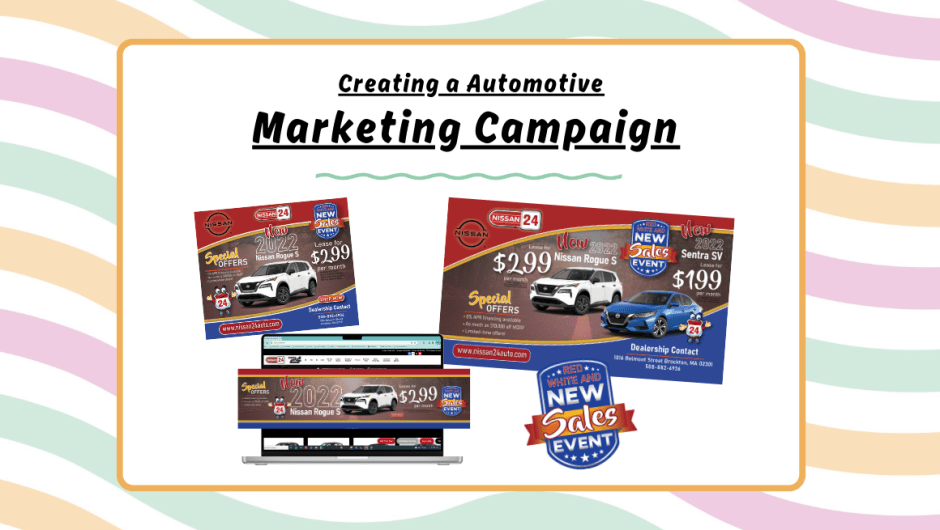
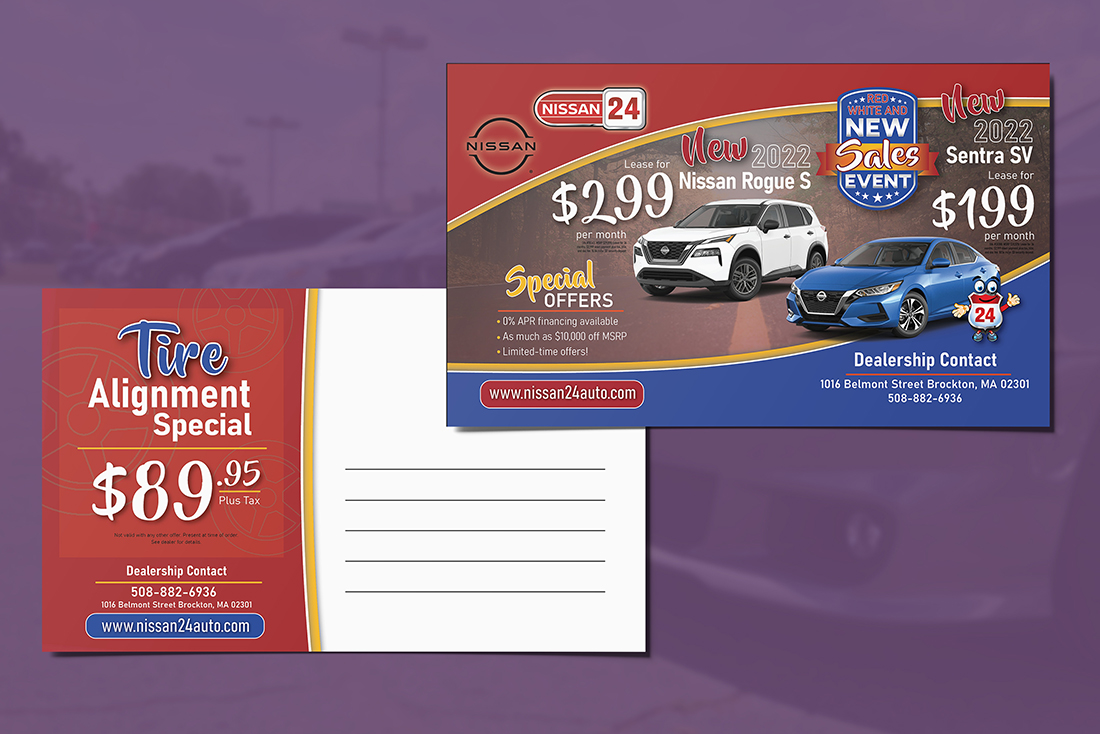
Today I wanted to share with you a campaign that I was asked to assemble for a recent design assignment for an automotive dealership.

In the project description I was tasked with creating an assortment of marketing materials that included:

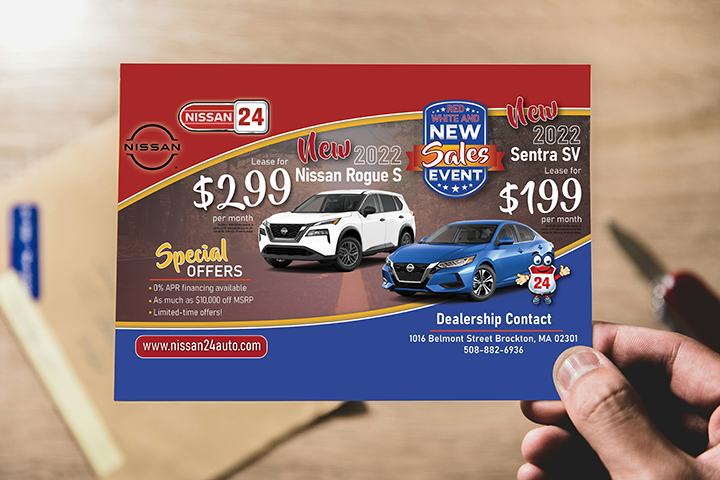
– Direct Mailer / Postcard

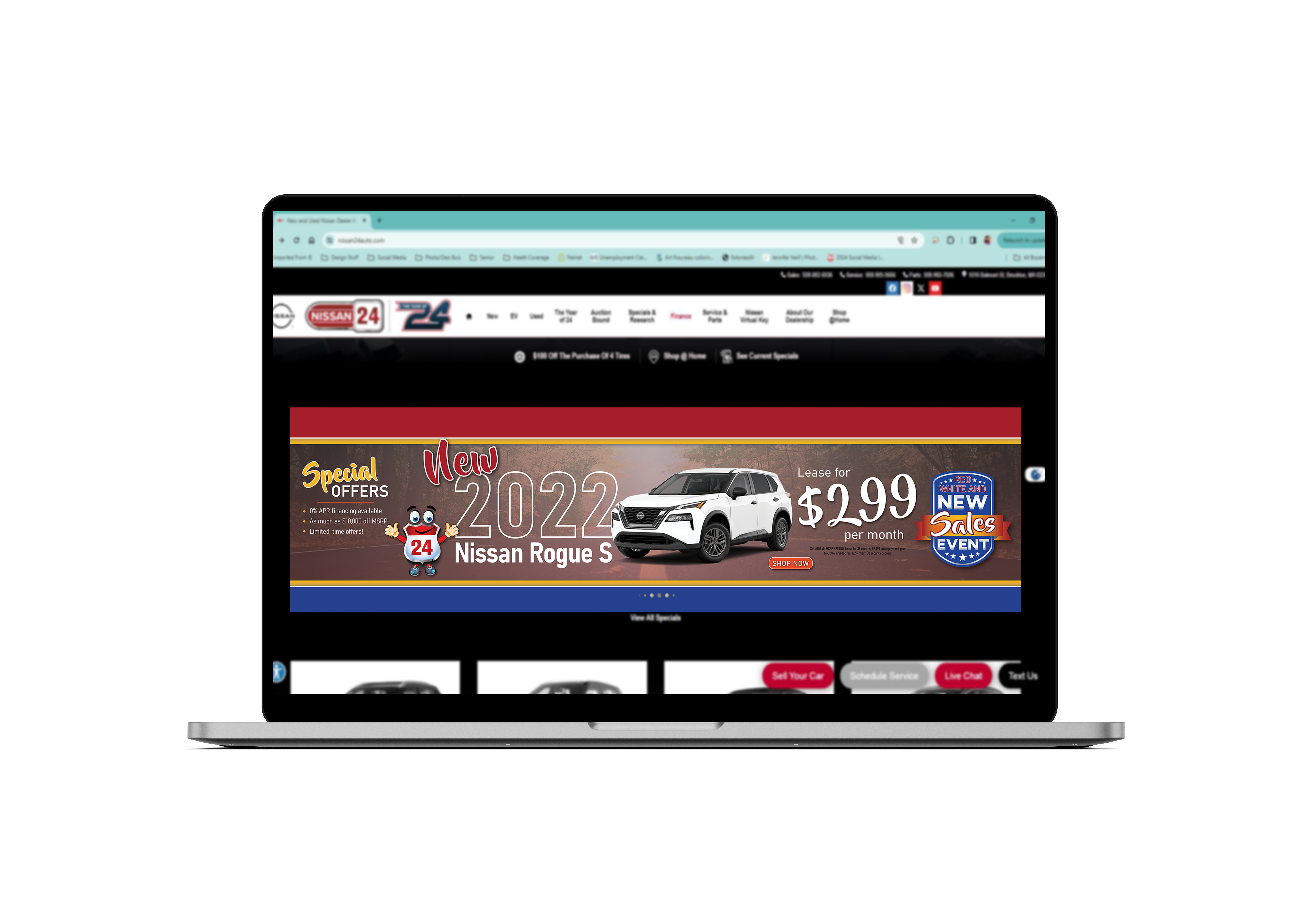
– Website slider display

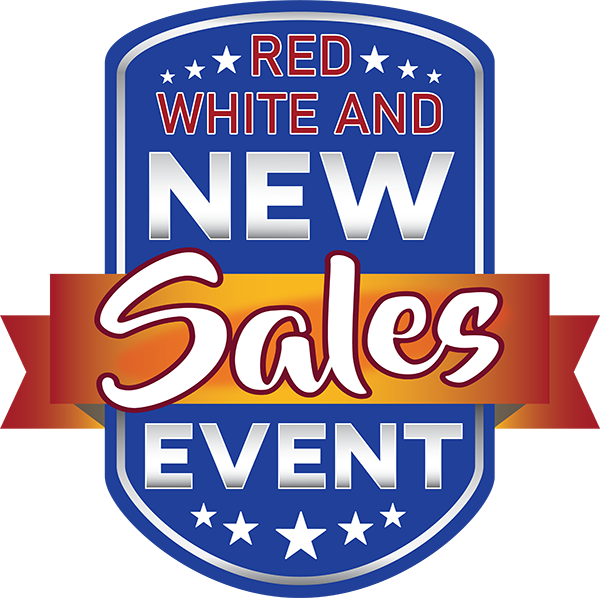
– Custom logo for the campaign event

– Advertisement piece for a fellow dealerships website

Wow, seems like quite a bit huh? Well not for this gal!

I was also given a few essential elements and directions for the campaign such as the copywriting material, a color scheme, the dealerships logos and character, with the use of 2 automotive cutouts from their choosing.

After taking all of these elements into consideration, and moving forward with the task at hand, these were the concepts that were submitted for the assignment.  Give them a look through, and let me know your comments below or reach out by clicking on the Connect tab in the header menu.

I do want to thank you for stopping by, and giving my blog a read through and giving us your support!


Have Something in Mind?

let’s chat about it!

Camp Whitley Board

Hello again, and welcome back to the 260 Studio Designs Blog.

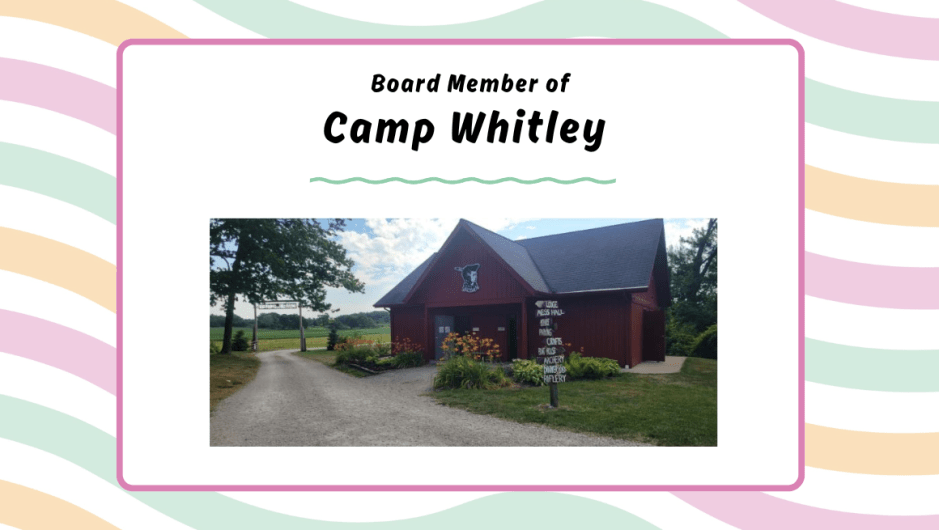
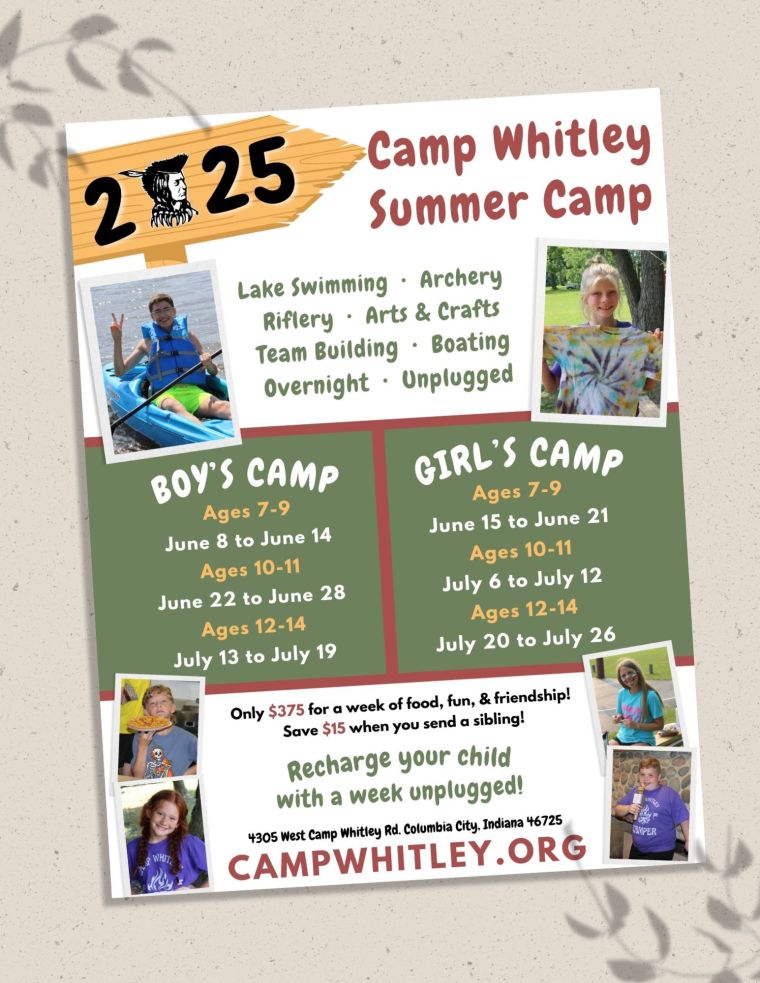
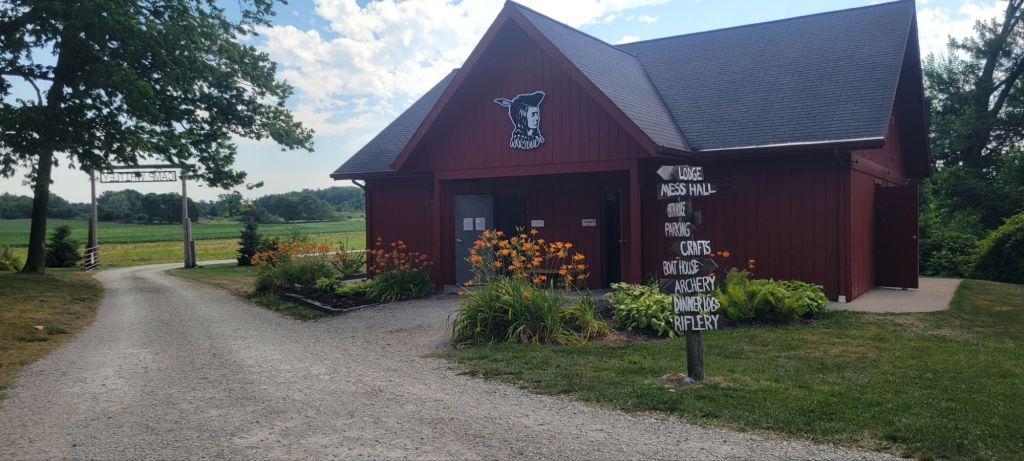
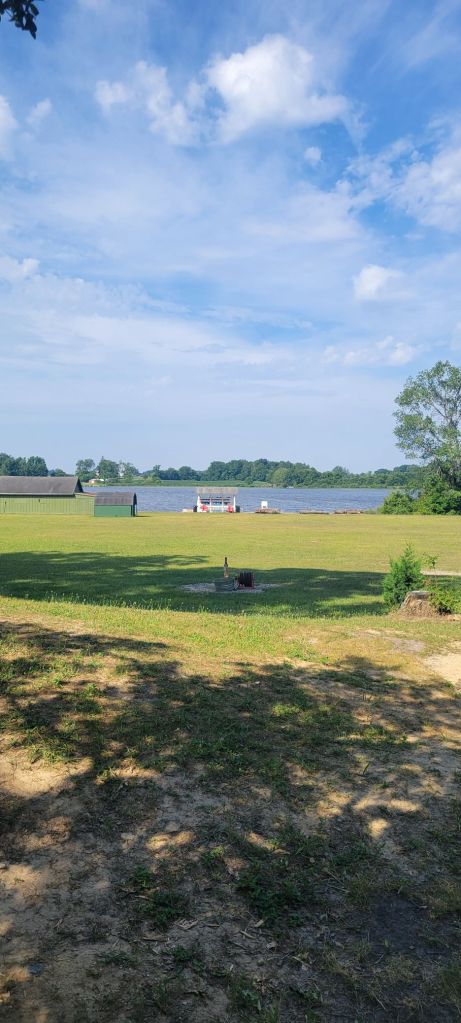
Today I wanted to share that I have become a Board Member for a local campground in my area named Camp Whitley. I wanted to join a organization that represents and supports the future growth of our community. I am grateful to be apart of this board, and I am excited to see what is to come next.

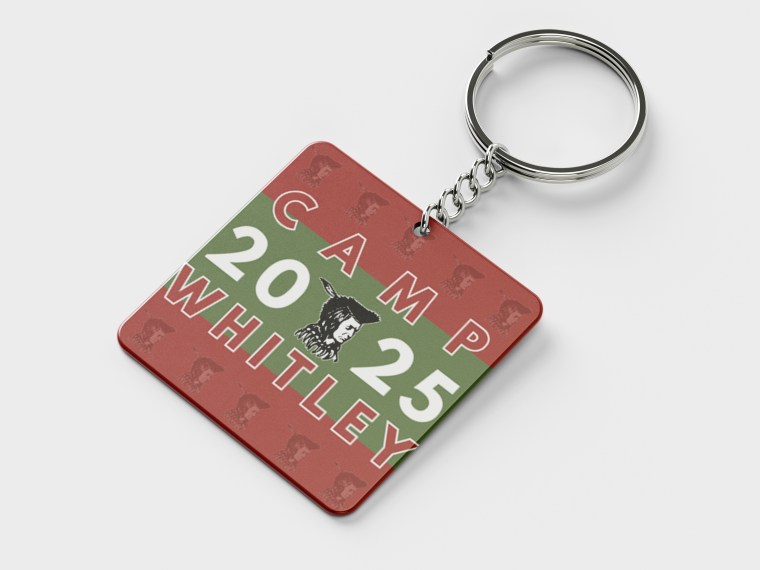
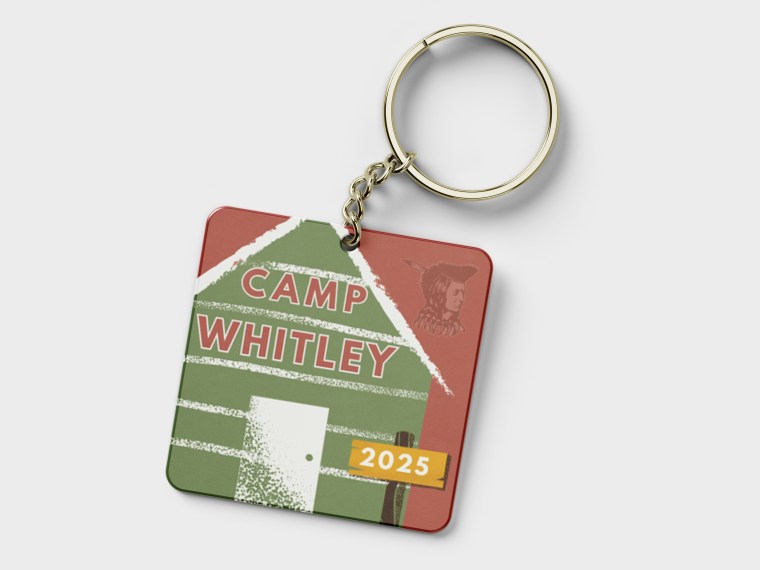
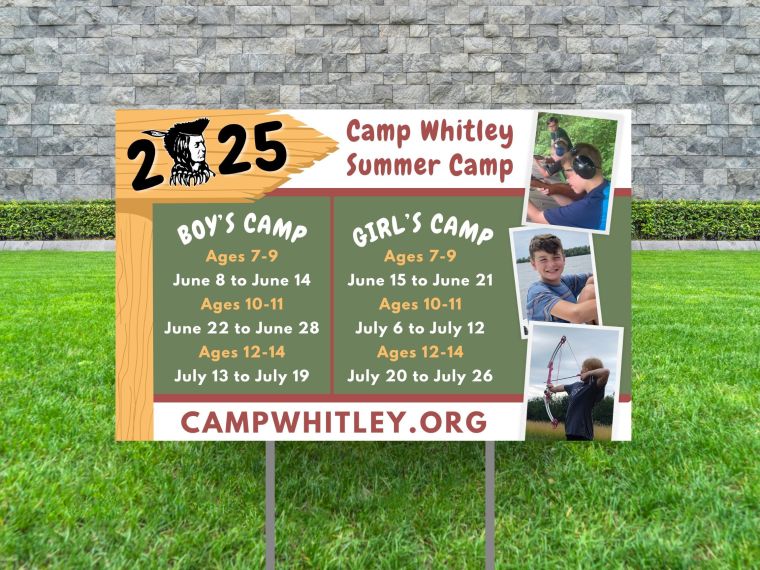
I have been quite busy since starting on the board with marketing, advertising, networking, fundraising, and much more. Here are a few things I have been busy creating in my past time through the camp. If you follow me on my socials you can keep up with the regular progress of my journey here.


Check out the Camp Whitley Website


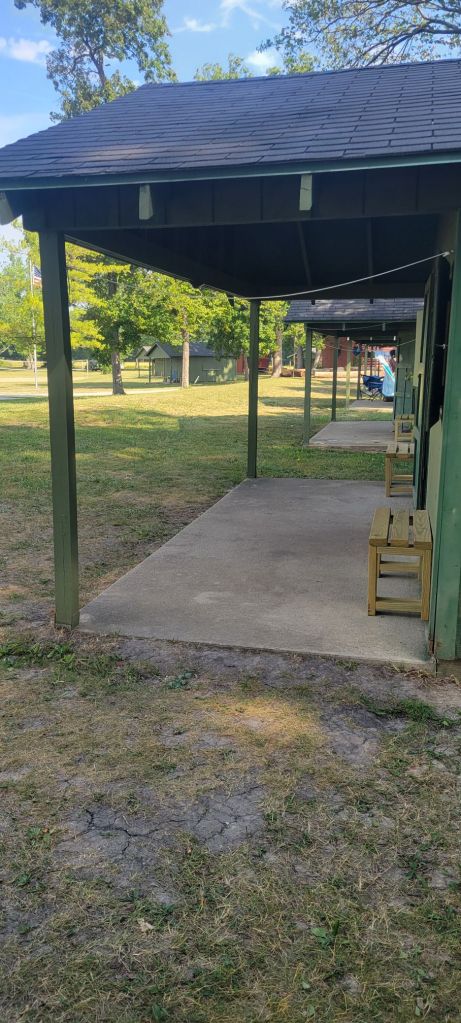
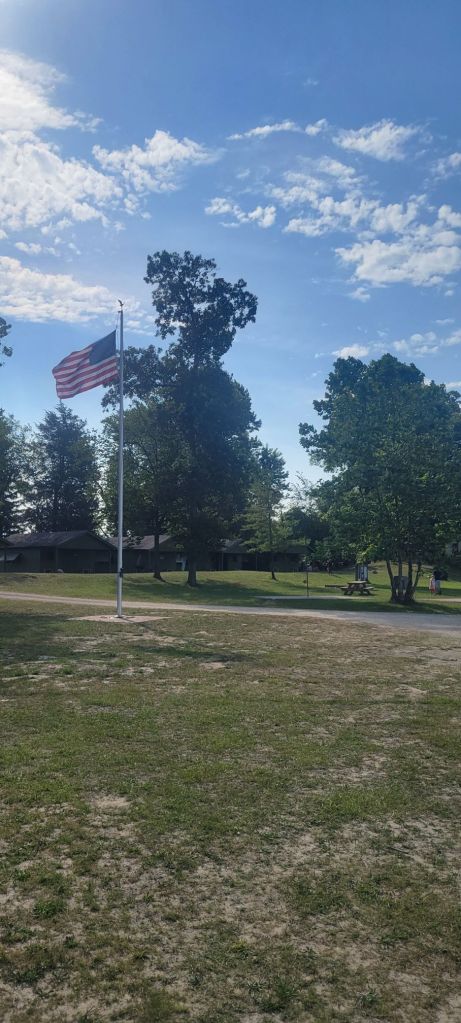
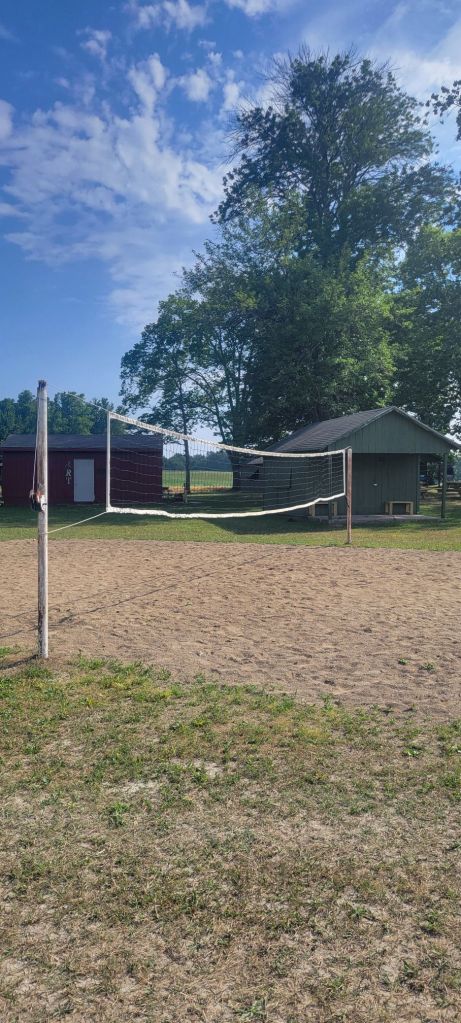
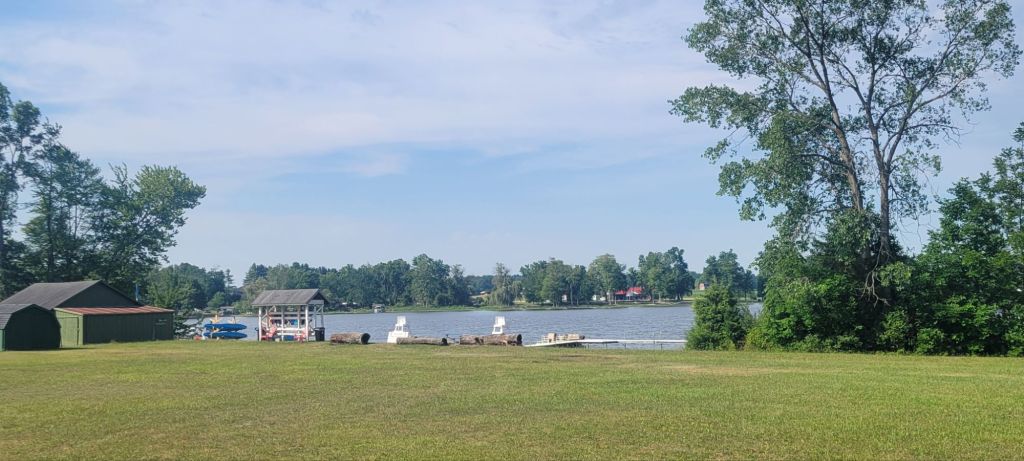
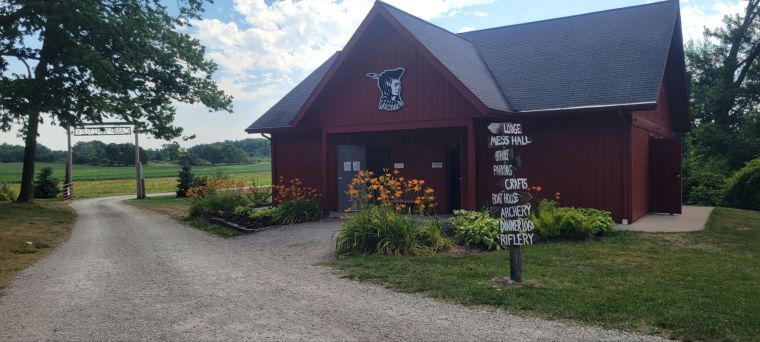
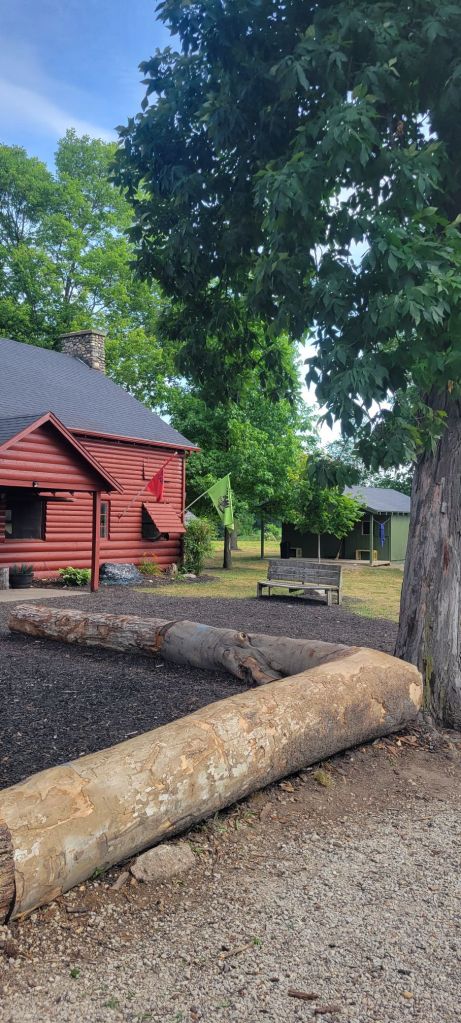
I also wanted to share some photos as well to show off their beautiful campground, and what your kiddos would get to look forward to!

Newsletter Collaboration with Copy with Jess

Hello again, and welcome back to the blog section of 260 Studio Designs!

Today I wanted to share some information about a collaboration that has been lurking in the shadows.  Yes, keeping this a mystery has been quite hard but 100% worth it.

I was approached by an up and coming copywriter that was enrolled into an academy called The Comprehensive Copywriting Academy that is part of the Filthy Rich Writers. This amazing copywriter is Jessica! She was looking for a graphic designer that knew their way around the email world, and someone who could help implement her writing into the visual creation it was meant to be.

Jessica and I connected with one another, and then started discussing what she was looking to have created for her conceptual email newsletter.

After multiple video chats, mood boards, and discussions we began the journey of creating a newsletter that was drafted towards Johnson & Johnson’s New Tear Free Baby Conditioner.

After months of us discussing, proofing, and editing we finally reached our goal! Our teamwork created a fantastically crafted newsletter that would have their focused based audience wanting to purchase their new line of tear free baby conditioner.

Below are a few key images to help show off the creative concept from our email newsletter collaboration. I wanted to show the visual aspects between a mobile and desktop aspect through an assortment of mockups and visual layouts.

If you would like to get in touch with Jessica for any of your copywriting needs, please connect with her on any of her socials, or directly through her webpage.

Connect with Jessica Below!


Are you looking to enhance your email presence for your business?

Let’s discuss your email design needs today!